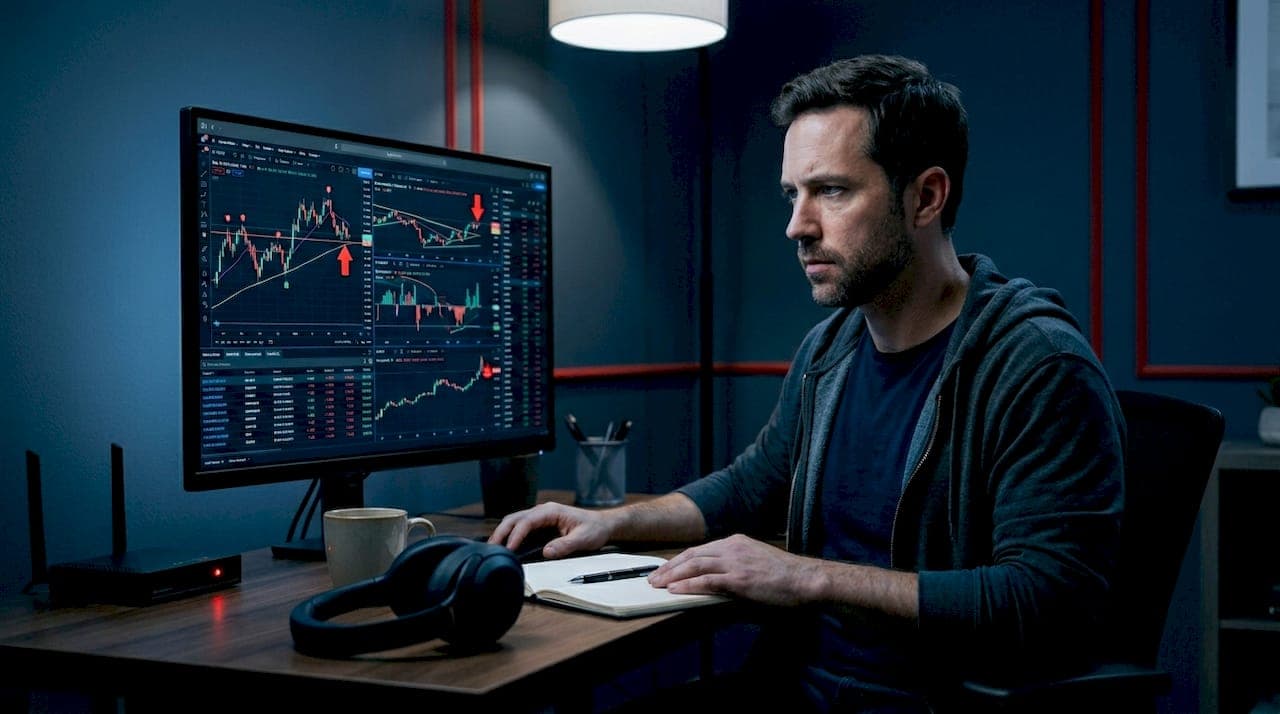
Set-and-forget stock scans are automated stock screeners programmed to run recurring searches using specific technical and fundamental filters, delivering alerts without constant manual oversight. In the industry, this practice falls under the broader category of automated stock screening, a workflow where you define your criteria once and let the system surface candidates on a schedule. The best examples of set-and-forget stock scans use indicators like RSI, MACD, and SMA crossovers to flag opportunities daily, while tools like Apify's US Stock Screener, ThinkorSwim's ThinkScript scanners, and the SIGNALIST GitHub project handle execution automatically. For busy professionals and beginners alike, this approach turns stock monitoring from a daily chore into a background process.
1. Examples of set-and-forget stock scans you can deploy today
The most practical starting point is understanding what real, production-ready automated scans look like before you build your own. Three sources stand out for their depth and accessibility.
Apify US Stock Technical Screener runs on a daily schedule and screens 6,000+ US stocks using five core technical indicators: RSI, MACD, SMA/EMA crossovers, and Bollinger Bands. You configure it once with up to 50 tickers, set the schedule, and receive end-of-day buy/sell signals automatically. This is the textbook definition of a set-it-and-forget-it workflow.
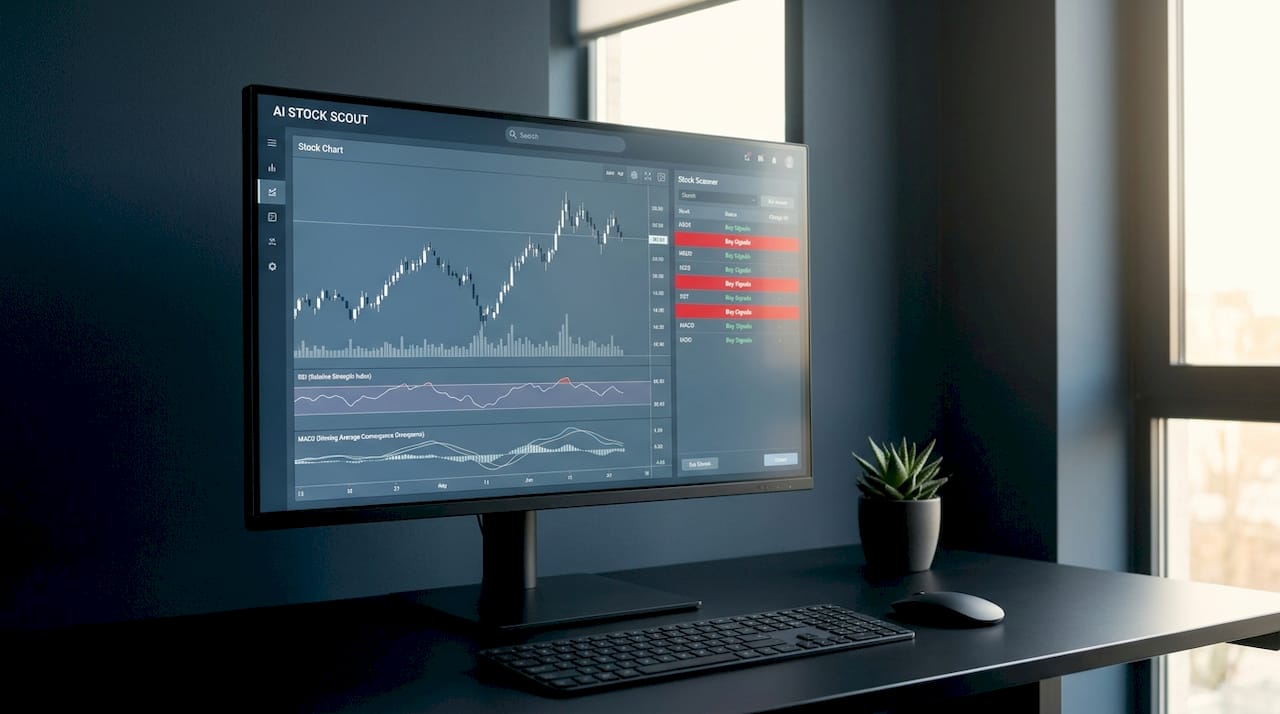
SIGNALIST on GitHub takes a score-based approach. The smart alert system notifies you when any stock on your watchlist scores above 85 on its composite signal model. You set the threshold once. The system monitors continuously and fires alerts only when a meaningful signal appears, keeping noise low.
ThinkorSwim ThinkScript scanners from the community repository include production-ready scans like Institutional Accumulation and TTM Squeeze. These combine fundamental and technical filters and are designed to run on a daily or intraday schedule for swing traders and breakout hunters. You load the script, schedule the scan, and check results at your preferred time.
2. What technical indicators power these scans
The best automated stock screening setups rely on a small set of proven indicators. Each one serves a specific purpose in a hands-off strategy.
RSI (Relative Strength Index) measures momentum on a 0 to 100 scale. A reading below 30 signals oversold conditions; above 70 signals overbought. For long-term stock scans, RSI filters out stocks in extreme territory and surfaces those returning to neutral momentum.
MACD (Moving Average Convergence Divergence) tracks the relationship between two exponential moving averages. A bullish crossover, where the MACD line crosses above the signal line, is a classic entry trigger used in dozens of automated scan templates.
SMA/EMA crossovers identify trend direction. The 50-day SMA crossing above the 200-day SMA (the "Golden Cross") is one of the most widely used filters in long-term stock scans because it confirms sustained upward momentum rather than a short-term spike.
Bollinger Bands measure volatility. When price touches the lower band, it signals a potential mean-reversion opportunity. Automated scans use band squeezes to detect low-volatility setups before a breakout.
Here is a quick reference for choosing indicators in set-and-forget setups:
- RSI: Best for momentum and reversal detection. Simple to calibrate. Can generate false signals in trending markets.
- MACD: Strong for trend confirmation. Lags slightly, which reduces false positives. Ideal for swing and position traders.
- SMA/EMA crossovers: Reliable for long-term trend identification. Slow to react to sudden reversals.
- Bollinger Bands: Excellent for volatility-based setups. Requires pairing with a second indicator to confirm direction.
Pro Tip: Start with RSI and one moving average crossover. Two indicators are enough to build a focused, low-noise scan. Adding more filters narrows results but also increases the chance of missing valid setups.
3. How to set up and schedule your own automated scans
Setting up a repeatable scan workflow takes less time than most investors expect. The key is making deliberate choices upfront so the system runs without you.
- Define your criteria. Choose one to three indicators with specific thresholds. For example: RSI below 35 AND price above the 50-day SMA. Vague criteria produce noisy results.
- Select your platform. ThinkorSwim supports ThinkScript-based scanners with built-in scheduling. Apify's actor runs via API with cron-style scheduling. Both support daily post-market runs, which suit busy investors by delivering signals without intraday noise.
- Build or import your watchlist. Keep it focused. Limiting your watchlist to 5 to 30 stocks reduces alert fatigue and keeps your attention on quality candidates. A 200-ticker watchlist defeats the purpose of automation.
- Set your schedule. Daily post-market scans work for most investors. If you trade intraday, set scans to run at market open and 30 minutes before close. Avoid running scans during the first 15 minutes of trading when volatility is highest.
- Connect your alerts. Route scan results to email, SMS, or a mobile app. A stock notification system that delivers urgency-labeled alerts saves you from logging into a platform just to check results.
- Treat alerts as a shortlist, not a signal. When a scan fires, it means a stock meets your criteria. It does not mean you should buy or sell immediately. Use the alert to start research, not to execute.
- Review and tune monthly. Check which alerts led to valid setups and which were noise. Adjust one threshold at a time so you can isolate what changed.
Pro Tip: Schedule your scan to run at 4:30 PM Eastern, 30 minutes after market close. End-of-day data is fully settled by then, and you will avoid acting on incomplete candles.
4. Pre-built scan comparison: which tool fits your style
| Tool | Data type | Schedule | Best for |
|---|---|---|---|
| Apify US Stock Screener | End-of-day, 6,000+ stocks | Daily, configurable | Beginners and API users |
| SIGNALIST (GitHub) | Score-based composite | Continuous, alert on threshold | Hands-off watchlist monitoring |
| ThinkorSwim ThinkScript | Technical + fundamental | Daily or intraday | Swing and position traders |
| Stock Alert Scanner | Urgency-labeled triage | Daily | Investors reducing overtrading |
ThinkorSwim scanners stand out for investors who want to combine fundamental filters like P/E ratio and ROE with technical triggers. This combination is rare in free tools and makes ThinkorSwim a strong choice for quality-focused screening. Apify suits investors comfortable with APIs who want full control over scheduling and ticker lists. SIGNALIST is the simplest entry point for anyone who wants a true set-and-forget experience with zero platform complexity.
Pro Tip: If you use a brokerage app daily, check whether it supports scanner integration before building a separate workflow. Keeping alerts inside one app reduces friction and increases the chance you actually act on them.
5. Limitations and pitfalls to avoid with automated scans
Automated stock screening is powerful, but it creates specific failure modes that manual scanning does not. Knowing them upfront saves you from costly mistakes.
- Treating alerts as trade signals. The most common misstep is acting on a scan alert without further research. Effective scanning is triage, not execution. An RSI reading below 30 means a stock is oversold. It does not mean it will recover.
- Missing intraday dynamics. End-of-day scans capture closing data only. A stock that gapped down 8% at open and recovered by close will look fine in an end-of-day scan. If intraday context matters to your strategy, you need intraday scans or a secondary check.
- Watchlist overload. Running scans across hundreds of tickers generates dozens of alerts daily. Alert fatigue sets in quickly, and you start ignoring notifications. Keep your watchlist tight.
- Set-and-forget without periodic review. Markets change. An RSI threshold that worked in a trending market will generate false signals in a choppy one. Review your scan criteria every four to six weeks.
- Ignoring fundamental context. A stock can pass every technical filter and still be a poor candidate because of deteriorating earnings or sector headwinds. Pair scan results with a quick fundamental check using tools like FilingsIQ.ai to review recent SEC filings before acting.
- Over-engineering criteria. Adding five or more filters to a scan sounds rigorous. In practice, it produces zero results most days and misses valid setups. Two to three criteria is the sweet spot for most automated stock screening strategies.
6. Platforms that support set-and-forget scanning
Choosing the right platform determines how much ongoing effort your scan workflow actually requires. Here is how the main options compare.
Apify provides a cloud-based actor that runs on a schedule you define. No server required. The US Stock Technical Screener supports API access, making it easy to pipe results into a spreadsheet, Slack channel, or custom dashboard. It is the most flexible option for technically comfortable investors.
ThinkorSwim (TD Ameritrade/Schwab) offers a built-in scanner with ThinkScript support. The community repository on GitHub contains dozens of production-ready scan templates covering institutional accumulation, TTM Squeeze, and fundamental quality filters. You import a script, set a schedule, and the platform handles execution. No coding required for pre-built scans.
Stock Alert Scanner from StockEducation.com takes a different approach. Rather than generating raw scan results, it labels alerts by urgency and provides next-step research guidance. This reduces the gap between "scan fired" and "I know what to do next," which is where most investors lose time.
Ai-stockscout combines AI-driven scanning with alternative data sources including insider activity, congressional trades, dark pool flows, and social signals. Understanding how AI analyzes stock patterns gives you an edge that pure technical scans miss. The platform supports automated alerts and is priced well below most professional-grade tools, making it accessible for retail investors who want more than a basic screener.
Key takeaways
Set-and-forget stock scans work best when you define tight criteria, limit your watchlist, and treat every alert as a research prompt rather than a trade order.
| Point | Details |
|---|---|
| Start with two indicators | RSI and one moving average crossover cover most setups without generating excessive noise. |
| Limit watchlist size | Keep your scan universe to 5 to 30 stocks to maintain focus and reduce alert fatigue. |
| Schedule post-market runs | Daily scans at 4:30 PM Eastern deliver settled data and avoid intraday noise. |
| Treat alerts as triage | A scan alert is a shortlist entry, not a buy or sell signal. Always confirm with research. |
| Review criteria monthly | Adjust one threshold at a time to isolate what is working and what needs recalibration. |
Why I think most investors overcomplicate this
I have watched investors spend weeks building elaborate scan systems with eight filters, intraday triggers, and multi-platform alert routing. Then they stop using them after two weeks because the maintenance burden is too high. The irony is that the simplest scans tend to produce the most consistent results.
My personal setup uses two scans. One looks for RSI below 32 on stocks above their 50-day SMA, which surfaces oversold names in uptrends. The other flags TTM Squeeze setups on a 30-stock watchlist I update quarterly. Both run daily after market close. I check results in under five minutes each evening.
The discipline is not in the scan itself. It is in what you do after the alert fires. I never act on a scan result the same day. I add the stock to a research queue, check recent earnings, and look at the sector context. That 24-hour buffer has saved me from more bad trades than any indicator ever could.
New investors should start with one scan, one watchlist of 10 to 15 stocks, and one notification channel. Get comfortable with the workflow before adding complexity. Automation is only valuable if you trust it enough to act on it consistently.
— Philip
Start scanning smarter with Ai-stockscout
You have the framework. Now you need a platform that runs it without friction.
Ai-stockscout delivers automated scanning, live alerts, and alternative data (insider trades, dark pools, congressional activity, social signals) in one place. The free plan gives you real access to the tools, not a watered-down preview. The Pro upgrade costs a fraction of what professional platforms charge, and you can try it free for 3 days with easy cancellation. If you want hands-off stock monitoring that actually surfaces opportunities, Ai-stockscout is built for exactly that. Start your free trial today and see what you have been missing.
FAQ
What are set-and-forget stock scans?
Set-and-forget stock scans are automated screeners that run on a recurring schedule using predefined technical or fundamental criteria, delivering alerts without requiring daily manual input. They are the practical application of automated stock screening for busy investors.
Which indicators work best in automated stock scans?
RSI, MACD, SMA/EMA crossovers, and Bollinger Bands are the most widely used indicators in set-and-forget setups. Most effective scans use two to three of these indicators combined, not all four simultaneously.
How many stocks should my watchlist include?
Keep your watchlist between 5 and 30 stocks for best results. Larger lists generate too many alerts and reduce the quality of your attention on each candidate.
Can I use set-and-forget scans for long-term investing?
Yes. Long-term stock scans using Golden Cross setups (50-day SMA crossing above the 200-day SMA) or fundamental quality filters like P/E ratio and ROE are well-suited to position traders and buy-and-hold investors who check results weekly rather than daily.
Should I act immediately when a scan alert fires?
No. Scan alerts are triage tools, not trade signals. Use the alert to identify a candidate, then confirm with fundamental research before making any trading decision.