Staying ahead with intraday trade ideas is often limited by overpriced subscription plans, shallow signal sources, or tools that bury essential automation behind costly upgrades. Several stock scanning platforms restrict real-time data, advanced backtesting, or multi-device access to top-tier plans, making it expensive for active retail traders to fully test and use them. This breakdown compares stock scanning software on signal diversity, automation options, and trial access so you can pick a substitute that matches your budget and trading style without waste.
Table of Contents
AI Stock Scout
At a Glance
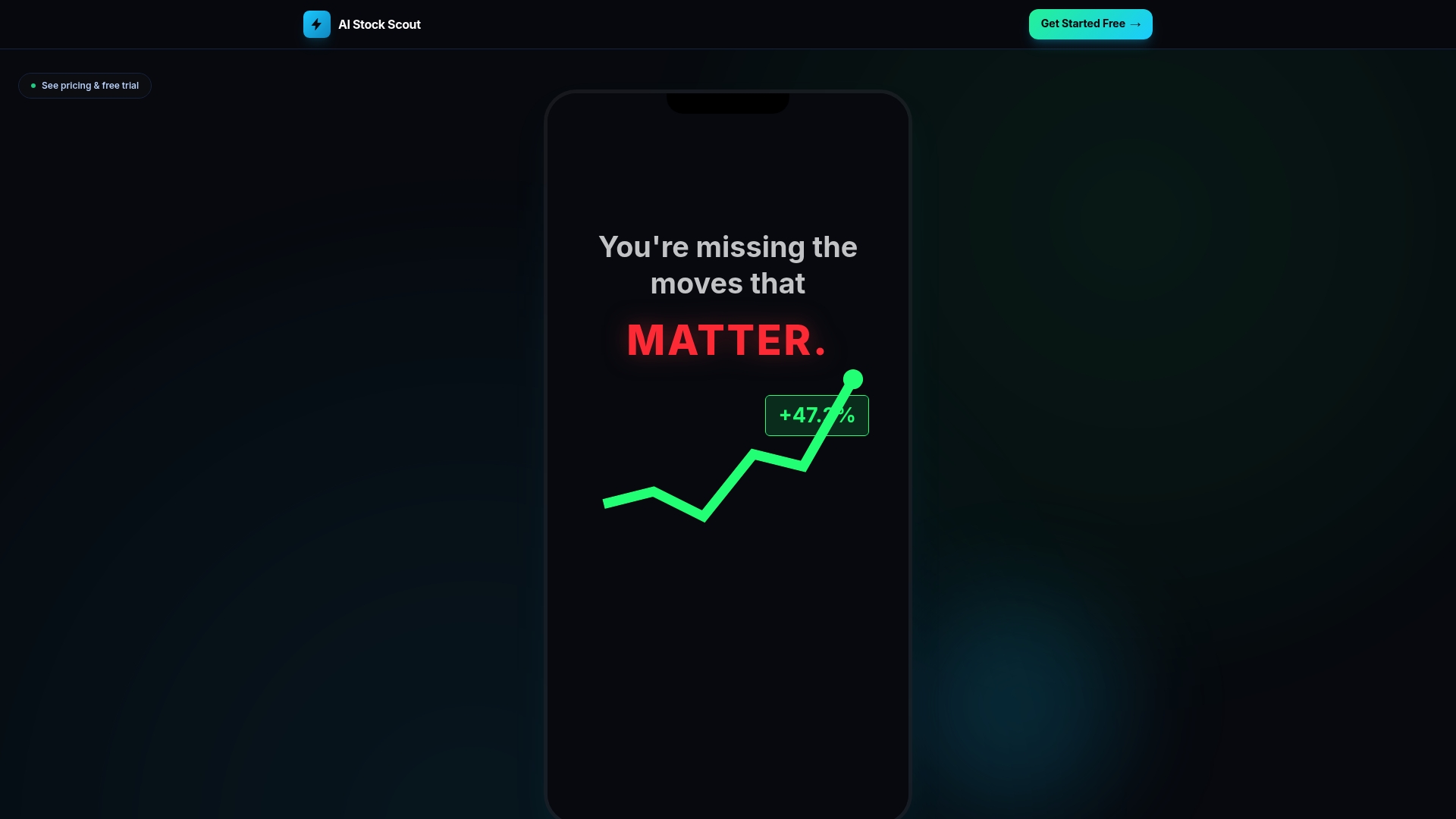
AI Stock Scout advertises a live market scanner driven by 6 AI models that feed real-time signals, insider-trade feeds, and social sentiment into mobile and web alerts. The vendor also advertises a lower price point than Trade Ideas, Unusual Whales, and TrendSpider, plus a 3-day Pro trial.
Core Features
The site indexes real-time stock signals, an AI chat assistant, and consolidated feeds for insider and Congressional trades. It combines social signals from Reddit and StockTwits with live alerts and in-dashboard analysis.
- Live market scanner with six distinct AI models
- Real-time alerts and AI-powered analysis using GPT-4.1
- Insider trades, Congressional activity, and social sentiment for 500+ tickers
- Automated trading hooks via Alpaca and Coinbase on Pro
Key Differentiator
The single practical difference is breadth for price. AI Stock Scout places social sentiment, insider activity, and automated execution in one scanner and positions that bundle at a lower-cost tier than several established competitors. That economics changes how retail traders test signal strategies.
Pros
-
Affordable entry. The free tier plus a short Pro trial lets readers validate scanners without upfront cost, which lowers friction for retail traders.
-
Diverse signal mix. Combining social feeds, insider trades, and six AI models helps surface cross-validated trade ideas rather than single-source alerts.
-
Mobile-first access. The web and mobile interfaces deliver alerts without downloads or complex installs, so watchers can act from a phone in under a minute.
-
Automation-ready. Pro users can route signals to Alpaca for equities or Coinbase for crypto, shortening the path from idea to execution.
Cons
- Free plan limits matter. The AI Assistant is capped at five questions per day and advanced automation is gated behind Pro, which restricts deep testing on the free tier.
Who It's For
Retail investors and active traders who want a lower-cost way to test AI-driven signals and blend social and insider data into their short-term setups. Not a pick for institutional desks that need API-level depth and exhaustive historical backtests.
Unique Value Proposition
A short, no-commitment trial plus a permanent free tier makes it practical to verify live signal behavior before you pay. For a retail trader who runs daily scans, that trial window and free access reduce the financial risk of evaluating whether the scanner fits an intraday or swing workflow.
Real World Use Case
A day trader running a morning scan filters for heavy insider buys, a rising Reddit sentiment score, and a top AI model signal. Alerts hit mobile; the trader inspects linked source data and routes qualifying signals to Alpaca for a quick test trade, all within the trial period.
Website: https://ai-stockscout.com
Trade Ideas
At a Glance
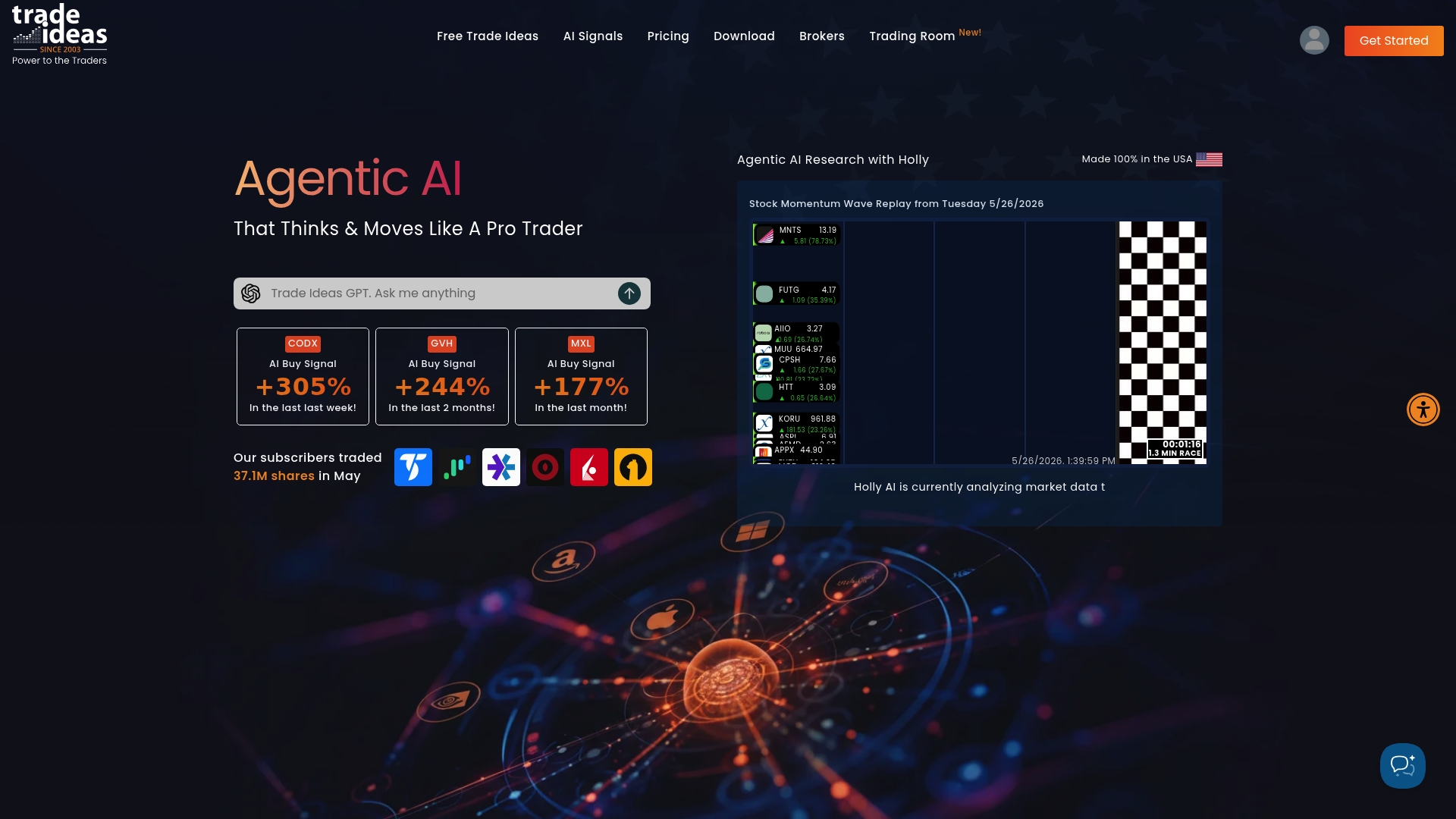
The vendor advertises real-time AI analysis that dynamically adjusts trading signals to current market data. Trade Ideas places those AI-powered buy and sell signals directly on charts and pairs them with a visual TI Wave indicator for quick, glanceable trade alerts.
Core Features
- AI-powered buy and sell signals embedded on intraday charts for entry and exit cues.
- Visual trade alerts via the TI Wave indicator and a robust alert engine for high-momentum setups.
- Real-time AI routines that fine-tune EMA bands and momentum thresholds as market data shifts.
- An upcoming automation layer labeled Money Machine intended to enable programmatic execution.
Key Differentiator
That real-time claim above is the product's distinctive angle. Trade Ideas emphasizes signals that update intraday rather than static scans. The idea is to surface momentum setups faster by recalibrating EMAs and thresholds continuously, rather than waiting for end of day scans.
Pros
- Powerful scanning and filters let you narrow the tape to setups you actually trade. The scan library is deep and saves time when you run opportunistic scans during market hours.
- A live trading room creates community feedback and idea flow; seeing other traders act speeds decision making during fast markets.
- Extensive video tutorials and a learning library help shorten the learning curve for complex scanners and indicators.
- AI analysis adapts parameters to current volatility, which can highlight entries other static scanners miss.
- Broker integrations simplify execution. Linking to a supported broker removes manual ticket entry and shaves seconds off trade execution.
Cons
- The interface feels dated and clunky; navigation and layout choices slow down new users and make advanced features harder to find.
- The vendor reports inconsistent AI signals at times; some users find the alerts need frequent manual filtering and oversight.
- Technical glitches, connection drops, and occasional freezes have been reported and can interrupt active trading sessions.
- Pricing sits at a premium level relative to features and reliability, especially once automation features are added.
When It May Not Fit
If you prize a modern, highly polished UI this will frustrate you. If you want fully hands-off, consistently profitable AI signals, that is not guaranteed and will require human oversight. Casual traders or those on tight budgets will likely find the price and reliability tradeoffs unacceptable.
Notable Integrations
Trade Ideas lists direct execution paths with TradeStation, CenterPoint Securities, Cobra Trading, and Interactive Brokers. These integrations allow linked accounts to receive alerts and, in many cases, execute orders without manual ticket entry.
Who It's For
Active intraday traders and professional traders who need rapid signal updates, visual alerts, and broker connectivity. Best for traders who will supervise AI output and build custom scans rather than rely on turnkey automated strategies.
Real World Use Case
A professional trader watches Trade Ideas during market hours, uses the TI Wave alerts to spot momentum breakouts, and filters signals with saved scans. The trader participates in the live room to test trade ideas and plans to add the Money Machine automation for rule-based execution once available.
Pricing
The vendor positions Trade Ideas as a premium product and directs users to its site for detailed pricing. Expect higher subscription costs, particularly as the Money Machine automation is introduced and bundled into advanced plans.
Website: https://trade-ideas.com
TradeUI
At a Glance
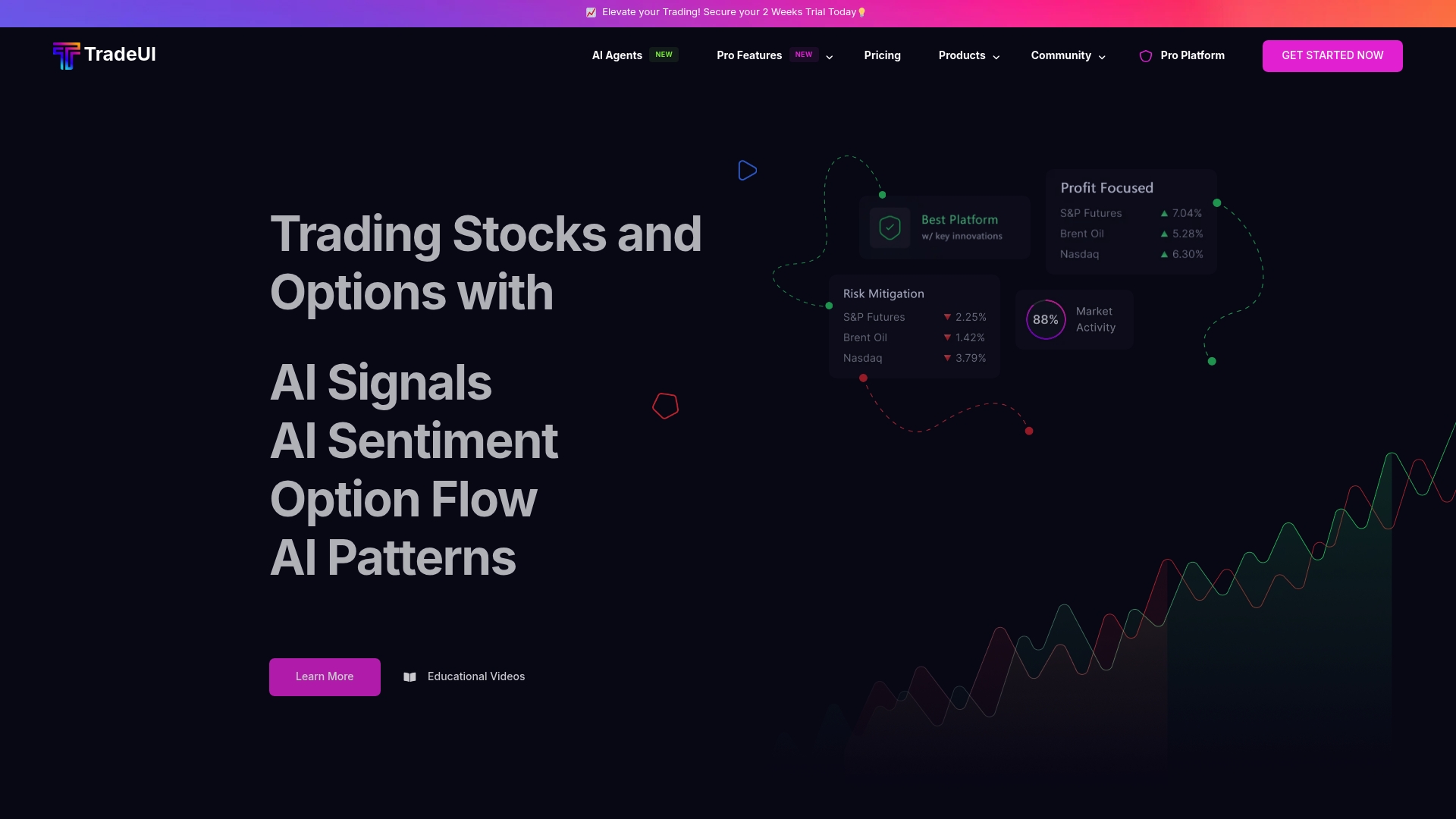
Real time options flow tracking sits at the center of TradeUI, paired with AI sentiment signals and a live community feed that keep retail traders in sync with market moves. The combination aims to let individual traders spot directional interest across stocks, options, and crypto quickly.
Core Features
- Options flow tracking in real time to surface large contracts and unusual activity.
- AI-driven sentiment signals that flag bullish or bearish momentum across tickers.
- Market cycle charts for higher level context on trend phases and volatility.
- Community trading feed and social features where members share ideas and setups.
- Educational videos and resources that explain how to read flow and use signals.
Key Differentiator
What separates TradeUI from many retail tools is the pairing of options flow data with AI sentiment and a social layer. Traders get both raw flow alerts and community signal validation in one place. That mix targets people who want data plus peer feedback rather than raw market telemetry alone.
Pros
- Rapid idea discovery. The options flow feed surfaces large trades so you can evaluate momentum fast instead of scanning dozens of charts.
- Community support. Active Discord and in-app feeds help you test a read on flow against other traders, reducing false positives.
- Frequent updates. TradeUI’s development cadence includes regular feature releases and bug fixes, which keeps tools evolving.
- Cross platform access. Native Windows and Mac apps plus browser access let you follow live flow on the desktop or laptop you prefer.
- Beginner friendly interface designed for retail traders who want to learn how flow and AI signals interact.
Cons
- Billing issues reported. Some users report occasional billing frustrations that add friction to signup or renewal.
- Limited advanced order flow. Professional traders seeking deep tape and microstructure analytics may find the order flow toolbox thin.
- Occasional software glitches. Minor bugs and hiccups appear from time to time, which can interrupt a trading session.
When It May Not Fit
If you need institutional grade order flow and time and sales detail down to every tick, TradeUI will feel limited. Professionals who rely on ultra low latency tape and advanced execution analytics should look elsewhere. Also expect periodic small bugs while features are refined.
Who It's For
Solo retail traders, day traders, and swing traders who want a data driven edge without a steep learning curve. It fits traders who value community feedback and prefer signals paired with visual flow instead of raw exchange feeds.
Real World Use Case
A swing trader spots unusual call volume on a tech name in the options feed, checks the AI sentiment flag for confirmation, and posts the setup in the community feed to gauge conviction. Peer responses and the signal together inform the entry and position size.
Pricing
TradeUI lists multiple tiers and a free trial on its site. Different plans unlock higher volume flow, advanced signals, and premium community perks. Visit the vendor pages for the most current pricing and trial details.
Website: https://tradeui.com
Edge to Trade
At a Glance
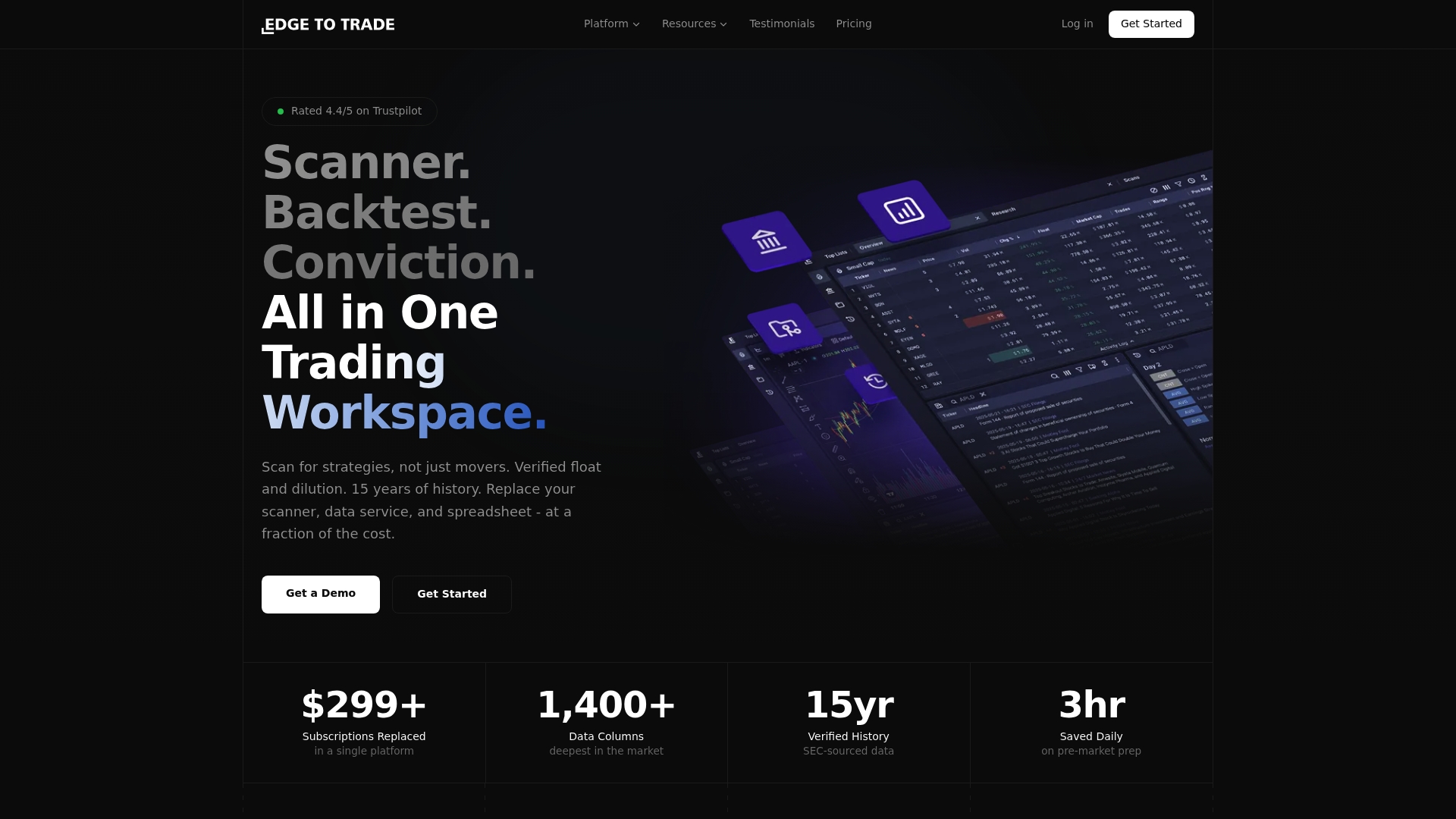
The vendor advertises 15 years of SEC-verified historical data and a real-time scanner with 300+ filters. Edge to Trade combines that data with verified float and dilution tracking inside a single trading workspace built for speed and precision. It targets serious retail traders who want institutional-style share structure and research tools.
Core Features
-
Real-time scanner with 300+ filters to surface high-probability setups before the market opens. The scanner supports intraday and premarket searches.
-
Backtesting against what the vendor calls 15 years of SEC-verified historical data to validate ideas against prior market conditions.
-
Dilution tracking and verified float data for share structure analysis, plus research access to SEC filings and institutional holdings.
-
Scanner rewind to test strategies on historical time slices and reproduce entries from prior sessions.
Key Differentiator
Edge to Trade leans heavily on verified share structure and dilution tools being available next to scan and backtest workflows. That data claim above and the integrated dilution tracking are presented as the core way to cut through noisy breakouts. For traders who weigh float changes as a primary signal, this combination is the main draw.
Pros
-
Robust backtesting that ties scans to historical outcomes. The ability to run a scan, rewind it, and validate results helps build confidence in a setup.
-
SEC-verified data for floats and filings reduces the manual cross checking that eats time during research sessions.
-
An integrated workspace that keeps scans, backtests, and research in one environment so you do not need a patchwork of tools during trade preparation.
-
Responsive support reported by users in vendor materials. When you hit a data or setup question, the vendor says support is quick to respond.
Cons
-
Limited independent third-party reviews make it harder to verify long term user satisfaction beyond the vendor's own materials.
-
No listed integrations in the product data means you may need additional tools for execution routing or portfolio accounting.
-
Starting price may be high for casual hobbyists who trade infrequently and do not need verified float or advanced backtesting.
When It May Not Fit
If your workflow relies on many external integrations for brokers, portfolio trackers, or alternative data feeds, Edge to Trade may not slot in cleanly because integrations are not listed. If you want a large public body of user reviews to compare against, the current scarcity of independent reviews makes that decision harder.
Who It's For
Serious retail traders and small trading teams who prioritize verified share structure, dilution signals, and historical validation. Day traders, swing traders, and systematic traders who build rule-based setups will find the research and backtest features most useful.
Real World Use Case
A retail day trader runs a premarket scan for low-float momentum setups, uses scanner rewind to test the pattern against the past five years, and checks dilution history before sizing a position. That 15-year data claim gives a longer runway for checking how similar setups behaved.
Pricing
Plans start at $49/month for the Basic tier with a free 14-day trial. The vendor lists Pro at $89/month and Pro+ at $149/month with additional features and priority support.
Website: https://edgetotrade.com
TradingView
At a Glance
The vendor reports a community of over 100 million traders and investors, a claim that shapes TradingView's social gravity more than its feature list. The platform pairs deep charting tools with community idea sharing and cross device sync for web, desktop, and mobile.
Core Features
Advanced charting with a large library of technical indicators and drawing tools sits at the center of the product. Users get multi timeframe layouts, multiple chart types, and custom scripting for indicators and strategies.
The platform supports strategy backtesting, alerts, and auto trading hooks with connected brokers. Market coverage includes stocks, crypto, forex, commodities, and economic data with configurable alerts and cloud synchronization.
Key Differentiator
Chart tools and the community feed each other. Traders publish scripts, discuss setups, and test ideas against historical data in the same place. That blend of public ideas plus powerful charting is what separates TradingView from pure chart engines or isolated broker terminals.
Pros
-
Intuitive interface that lowers the entry barrier for technical analysis while still offering depth for power users. New traders can sketch setups and repeat them quickly.
-
Excellent data visualization and a vast indicator library. The visual tools make spotting patterns faster and comparing timeframes easy.
-
Strong community for sharing ideas and crowd testing hypotheses. The social feed often surfaces setups you would not find on your own.
-
Cloud sync across web, desktop, and mobile keeps your layouts and alerts identical across devices.
-
Built in backtesting and script sharing lets you iterate on strategies without switching tools.
Cons
-
Customer support is frequently reported as slow or hard to reach, which is a real problem when live feeds or alerts fail.
-
Subscription renewals and billing can be confusing, leading some users to see unexpected charges.
-
Occasional technical issues with live data feeds and chart rendering interrupt trading sessions for some users.
-
Cancellation and refund procedures have frustrated people trying to revert charges or downgrade plans.
When It May Not Fit
Traders who need advanced order execution or full algorithmic trading infrastructure will find TradingView limited. Gateways to live execution are available but they do not replace broker native platforms for high frequency or deeply automated strategies.
If you require fast vendor support and guaranteed uptime for mission critical systems, the support and occasional data hiccups described above make TradingView a risky single-source option.
Who It's For
Retail traders, active investors, and trading enthusiasts who want powerful charts plus a place to trade ideas. It fits people who value community feedback and visual analysis more than institutional grade order routing or bespoke execution engines.
Real World Use Case
A day trader watches live crypto prices on synchronized charts, runs a script backtest on a 15 minute setup, and publishes the result to the community for feedback. Alerts fire on the phone, the trader refines the script, and the process repeats without moving files between apps.
Pricing
A generous free tier exists alongside paid plans. Paid subscriptions start at $12.95 per month for the Essential plan, which adds more charts, indicators, alerts, and expanded data options. Higher tiers add additional charts and advanced features and are billed annually.
Website: https://tradingview.com
Comparative Analysis
When evaluating stock scanning solutions, the options provide distinct capabilities tailored to their audiences, ensuring diverse needs are met in the trading software market.
Price Accessibility Versus Core Features
AI Stock Scout distinguishes itself by offering a competitive price point paired with an inclusive feature set, making advanced tools like real-time AI-driven market scanning accessible to retail traders. The option to test premium features during the trial period allows for low-risk feature validation. On the other hand, Edge to Trade presents a higher entry price but compensates it with advanced backtesting and detailed structural analysis, making it suitable for seasoned traders where precision outweighs initial costs.
Community Interaction in Workflow
TradeUI excels in blending community-driven tools with technical analytics, offering forums and feedback loops within the analytical process. This fosters collaborative refinement of trades—a notable divergence from AI Stock Scout, which focuses on algorithm-driven, individual analytics. TradingView also integrates strong community features, enabling users to publicly share strategies alongside versatile charting capabilities. This ability to collaboratively verify setups appeals to traders seeking insights beyond raw system data.
Best Fit Scenarios
- AI Stock Scout: Recommended for retail traders requiring affordable real-time signal tools with integrated social sentiment and insider activity analysis.
- Edge to Trade: Suitable for day traders and systematic traders investing in deep share structure data and rigorous backtesting workflows.
- TradeUI: Ideal for active option traders who want peer-reviewed trade setups combined with AI-driven sentiment flags.
- TradingView: Fits visual analysts valuing community feedback, structured idea testing, and charting tools.
- Trade Ideas: Preferred by professionals for intraday momentum setups and highly adaptive AI signaling during active trading sessions.
Our Pick
AI Stock Scout proves advantageous for retail traders due to its balanced emphasis on affordability, real-time analytics, and user-friendly automation potential. While suitable for diverse retail scenarios, professional desks might prefer alternatives offering deeper institutional integrations such as Edge to Trade or Trade Ideas. This flexibility reinforces AI Stock Scout's positioning as a practical first choice for intraday and swing trading workflows among retail traders.
Stock Scanning Software Comparison
Evaluating stock scanning platforms involves understanding features, access methods, and integration capabilities.
| Product | Core Feature | Key Differentiator | Best for | Pricing | Notable Limitation |
|---|---|---|---|---|---|
| Ai-stockscout | Real-time AI-driven stock scanner | Combines diverse data with automation | Retail traders testing strategies | Not disclosed | Limited free plan features |
| Trade Ideas | Adaptive real-time AI stock signals | Dynamic market data adjustments | Professional traders needing precision | Not disclosed | Dated interface affecting user navigation |
| TradeUI | Options flow tracking with sentiment analysis | Integrates data with social feedback | Retail traders seeking peer input | Not disclosed | Software glitches disrupting workflows |
| Edge to Trade | Real-time scanning and SEC-verified data | Verified historic data integration | Detail-oriented retail traders | $49/month | Lack of integrations for external tools |
| TradingView | Advanced charting tools with community sharing | Combining social feedback with rich visuals | Visual and collaborative analysis | $12.95/month | Limited algorithmic trading and execution capabilities |
Looking for TradeProbe.com Alternatives That Deliver Value and Ease
Choosing the right stock scanning tool can feel overwhelming when balancing price, data sources, and execution options. Ai-stockscout offers a practical solution tailored for retail investors and active traders who need professional-grade AI-driven signals combined with insider, social, and congressional data—all at a fraction of the cost of platforms like Trade Ideas or TrendSpider. With a freemium subscription, a generous free plan, and a risk-free 3-day Pro trial, you can test live alerts and automation without upfront commitments.
Experience a beginner-friendly AI stock companion that simplifies your scanning with diverse data inputs and easy mobile alerts. Visit ai-stockscout.com to start scanning smarter today and watch how combining AI signals with alternative data reshapes your daily trading decisions.
Frequently Asked Questions
How does Ai Stock Scout’s pricing compare for retail traders?
Ai Stock Scout offers an affordable entry with a free tier and a short Pro trial to validate scanners without upfront costs. Users can access live alerts and an AI-powered analysis while evaluating if the platform fits their trading needs. Retail traders looking for a lower financial risk can start here.
What is the difference between Ai Stock Scout and Trade Ideas?
Trade Ideas excels with real-time AI analysis that dynamically adjusts trading signals, providing buy and sell signals directly on charts. For traders interested in low-cost alternatives, Ai Stock Scout provides a broader mix of data sources, including social sentiment, allowing users to blend insights without the higher costs of Trade Ideas. This makes it more accessible for testing signal strategies.
Which platform integrates better for automated trading?
Ai Stock Scout supports automated trading hooks via Alpaca for equities and Coinbase for crypto, enabling users to execute trades quickly. This integration combined with its real-time alerts positions it well for active traders looking for speed and efficiency in executing signals. Consider this if automation is a priority for your trading workflow.
Can I rely on Ai Stock Scout for in-depth backtesting?
While Ai Stock Scout provides valuable real-time trading signals, it does not offer exhaustive backtesting features compared to some competitors like Edge to Trade, which emphasizes historical data. Traders seeking historical validation may need to consider additional tools alongside Ai Stock Scout to fully test their strategies before execution.
Does Ai Stock Scout provide mobile access for alerts?
Yes, Ai Stock Scout features a mobile-first experience, allowing traders to receive alerts directly on their phones without needing downloads or complex installations. This accessibility ensures users can respond to market movements quickly, which is essential for active trading.